

Quick guided tour of EasyEclipse
EasyEclipse doesn't have much to show: most of the work is under the hood, selecting, assembling plugins. But we still have a few screenshots: mostly the installers, and a little on how to see/manage the plugins.
Installing an EasyEclipse Distribution
Installing EasyEclipse is designed to be... Easy ! It's just about running an installer, like this on Mac OS X:
and on Windows:
Using EasyEclipse
Once installed, the application is available as any other application
- In the
Start -> All Programsmenu on Windows: - In the
Applicationsfolder on MacOS:

Extending EasyEclipse
Adding other plugins to EasyEclipse is... still easy ! Just run another installer, like this:
or that:
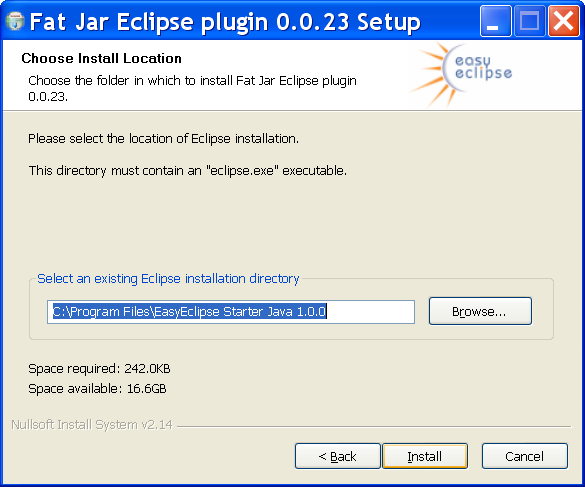
and, after restarting Eclipse, the plugin is available !
Why not please make such installation screens and thereby screenshot for LINUX?
… because currently the installation on Linux is command-line based, so it wouldn’t make nice screenshots
. For installation notes on Linux see
here for distros, and here for plugins.
Thanks for the comment however - do you mean that we should have a GUI installer for Linux ? Would you care entering a feature request on Source Forge ?
Yes, installation is a snap, but where do I go for info on configuration? There appears to be no built in help, and little online info that I can find. I am trying to configure for a Windows 2000 box. PHP, Apache (httpd.exe), MySQL (service) are up and running. EasyEclipse looks great, but with no instructions??
Hi all,
Kindly see that I have entered an feature request in the Source Forge site. Pl. see the 1621525
Rasheed CK
its nice software
Hi team……
Why R u not delivering the Distribution based on Eclipse 3.3 for PHP based web development till now?
Please ………….
Rasheed CK